


Crypto Ledgers Secure Your Digital Funds
Hardware wallets protect your crypto by storing private keys offline, reducing risks from online threats.
• Devices like Ledger Nano S Plus, Nano X, and Ledger Stax sign transactions inside secure chips.
• Storing keys offline shields your Bitcoin, Ethereum, and other assets from hacks and phishing.
• This guide breaks down ledger basics, compares leading models, and shows why secure hardware is essential.
Crypto Ledger Fundamentals: Definition and Key Concepts
A crypto ledger wallet securely stores digital currencies like Bitcoin and Ethereum by keeping your private keys offline on a tamper-proof chip. This hardware solution isolates your sensitive data from the online world, unlike software wallets that run on connected devices and face online risks.
• Protects private keys with dedicated hardware
• Signs transactions internally without exposing keys
• Guards against hacking and phishing attacks
When you initiate a transaction, the wallet uses its Secure Element chip and dedicated secure operating system to sign the transaction inside the device. Once signed, the transaction is sent to the blockchain network for processing. This setup offers strong security, keeping your digital assets safe even if your connected device gets compromised, as updated on October 27, 2025.
Hardware Ledger Insights: Comparing Ledger Nano S Plus, Nano X, and Stax
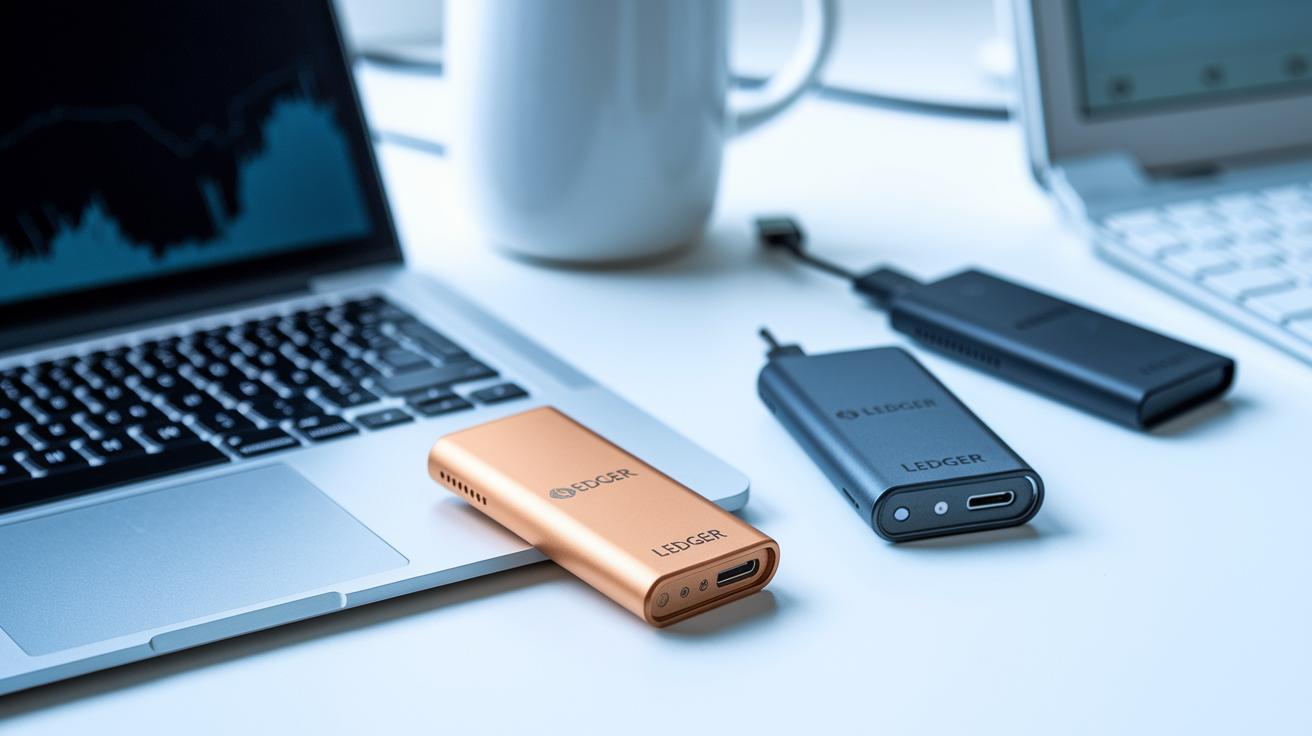
Ledger offers three distinct hardware wallets tailored to different needs and budgets.
• Nano S Plus is an affordable option with a simple USB-C connection for desktop users.
• Nano X adds Bluetooth and a built-in battery for secure mobile transactions.
• Ledger Stax delivers a premium touchscreen interface with broad multi-currency support.
All three devices use Gen5 technology. They feature a Secure Element chip, high-resolution secure screens, and a dedicated operating system to maintain strong cryptographic protection.
| Device Model | Connectivity | Screen Type | Price Range |
|---|---|---|---|
| Nano S Plus | USB-C only | Monochrome OLED | $79–$99 |
| Nano X | Bluetooth & USB-C | Monochrome OLED | $119–$149 |
| Ledger Stax | USB-C only | Touchscreen | $249–$279 |
The comparison clearly shows that Nano S Plus is best for those seeking a straightforward and cost-effective desktop solution. Nano X is ideal if you need mobility with wireless connectivity, while Ledger Stax caters to investors looking for advanced features and a sleek touchscreen design.
Secure Crypto Asset Storage with Crypto Ledger Wallets
Crypto ledger wallets use a secure chip to keep your private keys offline, much like the chip in a bank card. Their sturdy hardware and dedicated operating system keep each app separate, so even if one area is breached, your overall digital key security stays intact.
You unlock these devices with a user-defined PIN, and you can add an extra passphrase for more encryption. Every transaction is signed inside the device, ensuring your private keys never leave the secure environment, which helps keep your blockchain transactions safe from online risks.
Quick security tips:
• Use a strong, unique PIN.
• Write down your 12–24-word recovery phrase on paper and store it offline.
• Disconnect your device from the internet for key operations.
• Keep your firmware updated and use a backup device.
Following these steps helps protect your crypto assets from unauthorized access and breaches.
Setting Up Your Crypto Ledger: Step-by-Step Guide

Connect your Ledger wallet to your PC or mobile device using the provided cable. Power it on and follow the on-screen instructions. Pick a secure PIN to block unauthorized access. Your device will then generate a 12–24-word recovery phrase. Write this phrase on the recovery sheet and store it offline in a safe place. Remember, your recovery phrase is as important as backup gear for elite athletes, it saves your digital funds if the device is lost or fails.
• Connect your Ledger device and set your PIN.
• Record and secure your recovery phrase.
Download the Ledger Live app on your computer or mobile device if you haven’t already. Open the app and follow the guided steps to install the software. If a firmware update is available, the app will prompt you to install it. This update keeps your wallet safe with the newest features and security patches.
• Install Ledger Live and update firmware if prompted.
Once Ledger Live is updated, open the Manager section within the app to add crypto-specific apps to your device. Install the apps for the cryptocurrencies you plan to use. Create accounts for each digital asset right in the app. To confirm your setup, try a simple send or receive transaction. You can also connect your wallet to decentralized finance platforms to manage your portfolio more efficiently.
• Install crypto apps from the Manager.
• Test your setup with a transaction.
Following these steps ensures your Ledger wallet is securely set up and ready for efficient digital asset management.
Crypto Ledger Versus Trezor and Other Hardware Wallets
Ledger and Trezor are two leading hardware wallet options for protecting digital assets. They secure your private keys offline, a must in today’s threat-filled market.
• Ledger uses a certified Secure Element and proprietary secure OS for strong protection.
• Trezor offers an open-source system, emphasizing transparency but without a dedicated Secure Element.
• Ledger Nano X features Bluetooth and a built-in battery for mobile users.
• Trezor Model T connects only via USB, requiring you to stay tethered.
• Both wallets support over 1,800 coins, yet Ledger Stax also has a touchscreen and enhanced token support.
• Pricing differs: Ledger Nano X is priced between $119 and $149, while Trezor Model T costs between $179 and $199.
Choose based on your security needs, budget, and how you plan to use the device. If you value wireless convenience and extra security, Ledger may be the right choice. If you prefer open-source transparency, Trezor remains a solid option.
Final Words
In the action, we broke down crypto ledger fundamentals, hardware options, secure asset storage, and a step-by-step setup guide. The post compared devices like Nano S Plus, Nano X, and Stax, explained their unique security features, and even weighed Ledger against Trezor.
Every section aimed to give clear, actionable insights for managing digital assets. By understanding the key features of a crypto ledger, readers can make confident choices that boost their trading strategy and secure their investments.