

Crypto Wallet Setup Empowers Secure Trading
A secure crypto wallet is simple to create and vital in today's fast market.
• Learn the best wallet type for your needs.
• Set a strong password and safeguard your recovery phrase.
• Follow clear, practical steps to boost trading confidence.
Securing your digital assets doesn't have to be complicated. This guide explains every step, from choosing a wallet to protecting your recovery method, so you can trade with confidence. With clear instructions and actionable tips, you'll see that setting up a crypto wallet is both straightforward and secure. Get started now and take charge of your crypto journey.
Setting Up Your Crypto Wallet: Step-by-Step Guide
-
Pick Your Wallet Type
Assess your needs before choosing:- Hot wallet: Ideal for frequent use via mobile, desktop, or a browser extension.
- Hardware wallet: Best for long-term storage with high security ($50–$200 USB-style device).
- Custodial wallet: Offered by exchanges like Coinbase or Binance with ID verification.
-
Set Up a Hot Wallet
- Download the official app or browser extension from a trusted source.
- Create an account and set a strong password.
- Write down your 12–24 word recovery phrase and store it securely.
- This setup takes about 5–10 minutes.
-
Initialize a Hardware Wallet
- Connect your device to a computer and follow the manufacturer’s steps.
- Install any required software and update firmware if prompted.
- Safely record your recovery seed; losing it means losing access.
-
Complete a Custodial Wallet Setup
- Sign up with a reputable crypto exchange.
- Finish the identity verification (KYC) process.
- Once verified, the exchange will manage your account with a built-in recovery option.
-
Enhance Security Across All Wallets
- Enable two-factor authentication immediately.
- Keep your recovery phrase offline in a secure spot.
- Consider extra encryption measures for added protection.
-
Verify Your Wallet
- Send a small test transaction to check that funds transfer correctly.
- Confirm the wallet functions as expected before using it further.
Pick Your Wallet Type
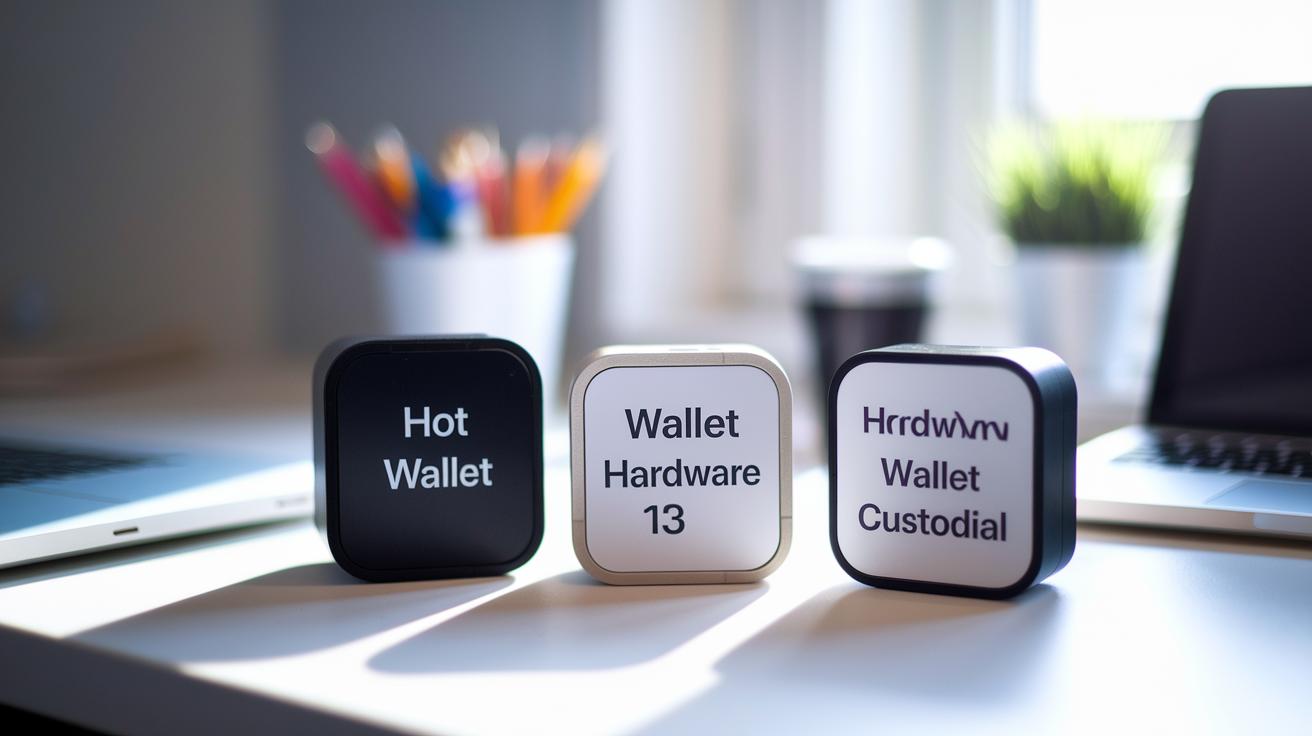
Crypto wallets come in three forms: hot, hardware, and custodial.
Hot wallets are digital apps used on mobile, desktop, or in browsers. They offer fast access for trading, but make sure to check the developer information, especially on browser extensions, to avoid fake software. Because they store keys online, they carry a higher risk from cyber threats.
Hardware wallets save your private keys offline on USB-like devices priced between $50 and $200. They keep your keys away from the internet, acting like a digital safe. Though setting up the device and updating its firmware takes a bit more effort, they are ideal for holding funds over the long term.
Custodial wallets are managed by crypto exchanges like Coinbase or Binance. They handle key management and offer password recovery, though you give up direct control of your keys. This arrangement works like a bank account, complete with security measures and required identity checks.
- Hot wallets: Fast access with increased online risk.
- Hardware wallets: Offline storage ideal for long-term holding.
- Custodial wallets: Managed by exchanges with easier recovery but less direct control.
Crypto Wallet Security Best Practices
Protect your crypto wallet by using strong, unique passwords along with two-factor authentication. Write down your recovery phrases and store them in different secure places to avoid losing your assets for good.
Key tips:
- Encrypt every device that accesses your wallet.
- Keep high-value funds in a hardware wallet that keeps keys offline.
- Back up your encryption keys and recovery phrases on more than one physical copy.
- Check your security setup early to spot and fix any issues fast.
Remember, custodial wallets allow password recovery but mean a third party controls your keys.
| Security Measure | Purpose |
|---|---|
| Two-Factor Authentication | Stops unauthorized access |
| Offline Recovery Phrase Storage | Keeps seed phrases safe from online threats |
| Hardware Wallet | Keeps keys offline for high-value funds |
How to Choose the Right Crypto Wallet for Your Needs
If you trade crypto often, a hot wallet with a simple interface can give you fast access when you need it. Active traders often choose providers known for reliable uptime and quick customer support.
If you plan to hold your crypto for the long term, think about using a hardware wallet or a trusted custodial service. These options offer strong security measures and set plans for disaster recovery.
Before you choose a wallet, check recent user reviews and industry ratings. For example, Coinbase is often praised for its ease of use and clear processes, while Binance is noted for advanced features even if its interface can be more complicated.
Key factors to consider:
- How often you make transactions and need immediate access
- Which cryptocurrencies are supported and any extra services offered
- The provider’s reputation based on current reviews and industry feedback
| Provider | User Feedback | Key Feature |
|---|---|---|
| Coinbase | Smooth interface, clear recovery processes | Ease of use |
| Binance | Advanced tools, competitive fees | Feature-rich trading |
Troubleshooting Common Crypto Wallet Setup Issues
If your crypto wallet fails during onboarding, it might be due to browser glitches, hardware connection errors, lost recovery phrases, or KYC (Know Your Customer) delays. This quick guide can help you pinpoint and solve the common issues you might face.
- Reinstall the wallet app or browser extension to fix potential software bugs.
- Inspect your USB cables and try different ports for hardware wallet issues.
- Verify that your recovery (seed) phrase is safely backed up and not misplaced.
- Check your identity documents and notifications to resolve any KYC delays.
If the issues persist, run a small test transaction to confirm the fix. This approach helps you quickly identify problems and ensure a smoother wallet setup.
Advanced Crypto Wallet Configuration and Maintenance

Experienced users can boost wallet security with smart setup techniques. Start by using a multisignature system that requires two or three approvals to move funds. This extra check helps stop unauthorized transfers, especially when managing large amounts.
Set up a reliable backup and restore plan. Test your backups every month to ensure your recovery phrases and encrypted keys are safely stored offline. Document any changes to keep your data secure.
Keep your hardware wallet firmware up to date. Regular firmware checks fix vulnerabilities and strengthen your defense. A good tip is to set a reminder to check for updates every two months.
Tailor your wallet's interface to improve protection. Adjust permissions to block unauthorized access, and set transaction limits or geolocation checks to match your risk level.
- Activate multisignature security for shared control.
- Test backups monthly to catch issues early.
- Update firmware regularly to fix vulnerabilities.
- Customize settings to limit unauthorized transactions.
Final Words
In the action, this guide walks through a clear, numbered process covering hot, hardware, and custodial wallets. It shows how to balance convenience with security, offering solid tips on setting up recovery backups and troubleshooting common issues. The outlined steps reveal how to set up a crypto wallet that fits your trading style. Each section provides focused insights to help you make swift, confident decisions. The approach leaves you equipped and positive for navigating the digital asset landscape. Enjoy the streamlined steps and clear market path ahead.
FAQ
How to set up a crypto wallet for beginners?
The question about setting up a crypto wallet for beginners points to a process that starts with selecting the wallet type, downloading the app or software, and securely saving your recovery phrase to protect your assets.
Which is the best crypto wallet app for beginners?
The question about the best crypto wallet app for beginners indicates that a user-friendly wallet with strong security features and low fees is ideal. Research provider reputation and key features that suit your trading style.
How to set up a crypto wallet for mining?
The question on setting up a crypto wallet for mining suggests using a wallet designed to receive mining rewards. Install a compatible wallet, link it to your mining setup, and safely store your recovery phrase.
Is Coinbase a crypto wallet?
The question about whether Coinbase is a crypto wallet shows that Coinbase provides a custodial service where keys are managed for you. This option offers ease of use and password recovery through identity verification.
What free crypto wallet options are available?
The question about free crypto wallets means several software wallets offer free usage without setup fees. Look for reputable hot wallets that include basic security features without subscription costs.
What are the top 10 crypto wallets?
The question on the top 10 crypto wallets highlights popular options known for security, ease of use, and functionality. Check the latest market rankings and reviews to compare features and performance.
How much is $1 in a bitcoin wallet?
The question about how much $1 is worth in a bitcoin wallet suggests that $1 converts to a very small fraction of bitcoin. Use a live conversion tool to see the current equivalent based on market rates.
Is it free to have a crypto wallet?
The question on whether it is free to have a crypto wallet means that many wallet services do not charge a setup fee, though transaction fees might apply when moving funds between wallets or networks.
Is $100 enough to start crypto?
The question on whether $100 is enough to start crypto implies that $100 is a sufficient entry point to buy small amounts of cryptocurrency. It is a modest investment to begin learning market dynamics and managing risk.